
Verification Checklist
- ✓On the charge where the amount jumped, does the billing detail page show "Plan: Annual" and what is its effective date
- ✓Does that effective date line up with a login session, a marketing banner click, or a support conversation
- ✓On the trial-to-paid confirmation screen, is annual the pre-selected/highlighted option, with "keep monthly" tucked away
- ✓When requesting a revert to monthly, is the refund prorated to unused months rather than the full annual charge
1. A cycle switch is not the same problem as a price hike
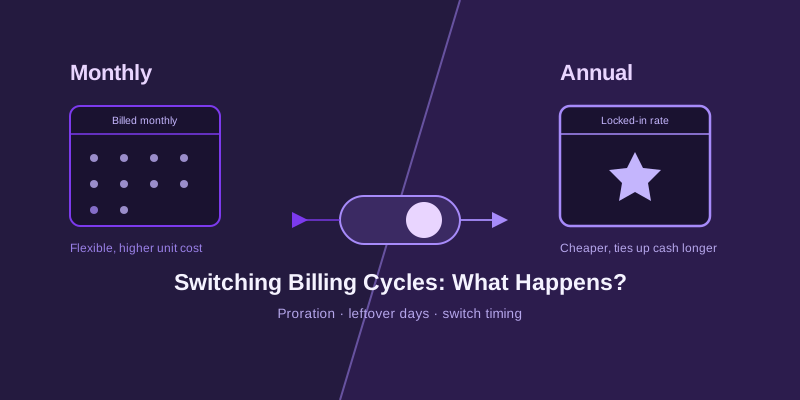
When the charge amount suddenly jumps, the first assumption is usually "they raised prices again," but a billing-cycle switch is a different failure mode entirely: the per-month rate may not have changed at all — what changed is that a small recurring charge became one lump sum covering a full year. This kind of change rarely shows up in a "price change notice," because from the platform's point of view nothing was raised; the customer simply "chose a different plan," even if that choice was never consciously made.
2. Trial-to-paid conversion often defaults to a plan you never picked
Many AI tools auto-convert a free trial or first-month discount into a paid subscription, and the confirmation screen at that moment frequently pre-selects the annual tier because it displays the bigger discount percentage, while the monthly option sits behind an easy-to-miss link. If the trial itself was started on monthly, skimming past that confirmation screen can silently carry the account into an annual plan that was never actively chosen.
3. A "save 30%, upgrade to annual" banner can be a one-click trap
Marketing banners that appear on login or sit in a corner of the billing page don't always just link to more details — on some platforms, clicking the banner directly executes a cycle switch and charges the price difference immediately, with no second confirmation step. The user thinks they're browsing a discount offer; what actually happened is a completed plan change and a charge, usually discovered only after the money is already gone.
4. The "manage subscription" link in a renewal email can land on an annual-default page
A renewal reminder email with a "manage your subscription" or "view plan" link often opens a landing page that displays the annual tier by default, with a small "keep monthly" toggle easy to overlook. The intent was just to double-check the renewal date, but clicking "confirm" or "continue" on that page confirms whatever tier is currently displayed — which may be annual, not the monthly plan originally chosen.
5. A support conversation can quietly frame the switch as "saving you money"
If a support ticket was opened for something unrelated — a login issue, an invoice name correction — the agent sometimes suggests along the way, "want me to switch you to annual, it's cheaper," and a polite or distracted "sure" is enough for the switch to go through on the backend. This kind of verbal confirmation happens casually enough that it's easy not to realize, weeks later, that an unrelated support ticket also changed something it shouldn't have.
6. If you suspect a switch, check the charge history for the exact change date first
Before contacting support, pull up the billing history or invoice records and find the exact charge where the amount jumped, then check whether that date lines up with a login session, a marketing banner click, or a support conversation. Most billing detail pages label the current plan ("Annual") along with an effective date — matching that timestamp against your own memory of what you did that day makes any dispute much faster to resolve.
7. Most platforms will revert the switch on request, but refunds are prorated, not full
If it can be shown that the switch happened without a clear, deliberate second confirmation, most legitimate platforms' support flow will revert the plan back to monthly on request — but the refund is typically prorated to the unused months, not a full refund of the annual charge, since the months already used are treated as normal consumption. Bringing the exact switch timestamp and, if still available, a screenshot of the page at the time noticeably improves the odds of getting the full prorated amount approved.
8. A capped virtual card on the subscription blocks the surprise annual charge outright
A more reliable safeguard is binding the subscription to a virtual card with a monthly spending cap set close to the expected monthly charge — if a renewal ever gets silently switched to annual, the full year's charge will exceed the cap and get declined outright, instead of going through and only being noticed once the statement arrives. A declined charge is itself a strong signal that forces a check before service is interrupted, rather than discovering the problem only after the money has already left the account.
9. Takeaway: a default option is not the same as a decision you made
A billing cycle rarely changes from monthly to annual because someone made a deliberate, informed choice — more often it's the cumulative effect of a pre-selected default, a one-click marketing banner, or one offhand line in a support chat. Getting into the habit of checking the currently displayed plan on every renewal email and confirmation screen, plus putting a capped virtual card behind the subscription as a backstop, cuts down significantly on discovering a plan change only after the charge has already gone through. This is the tenth entry in this series — more overlooked details in AI subscription payments to come.